
How do I see drafts I've started?
The Drafts view lists every draft in progress or complete, with rename controls for freewrites.
Drafts don't disappear after they're generated. The Drafts view surfaces every one — in progress, ready to copy, or parked for later.
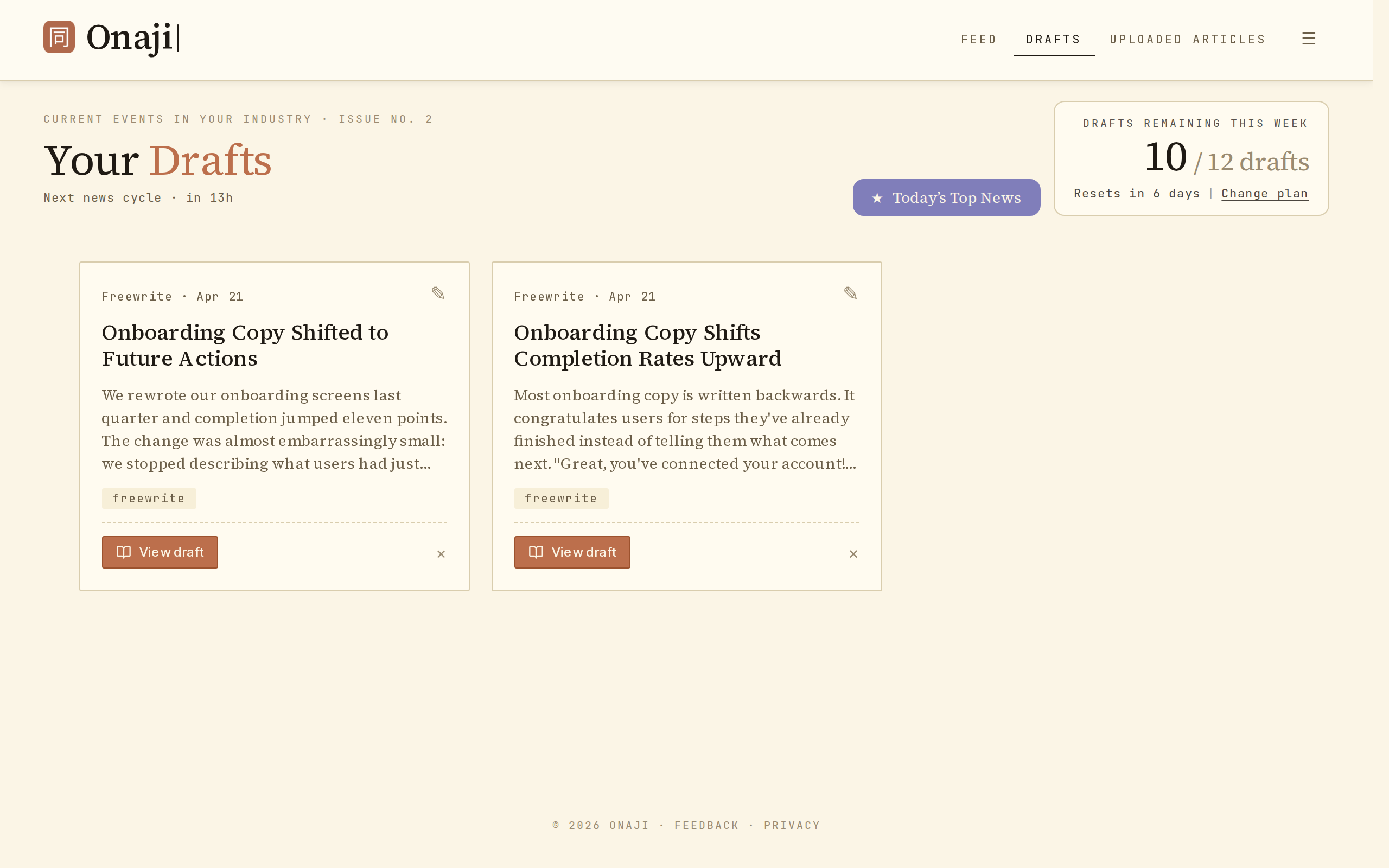
- Click "Drafts" in the feed filter bar (above the feed).
- Scroll the list of drafts. Each shows its source article or freewrite title.
- Click any draft to open it in the editor.
- To rename a freewrite, click the edit icon (✎) on its title in the list and save.