
How do I regenerate a draft with different guidance?
Click "Edit Pre-Draft Guidance" to change the setup answers and run the draft again.
If a draft misses the mark — wrong angle, wrong length, wrong audience — the guidance can be updated and the draft regenerated without starting over.
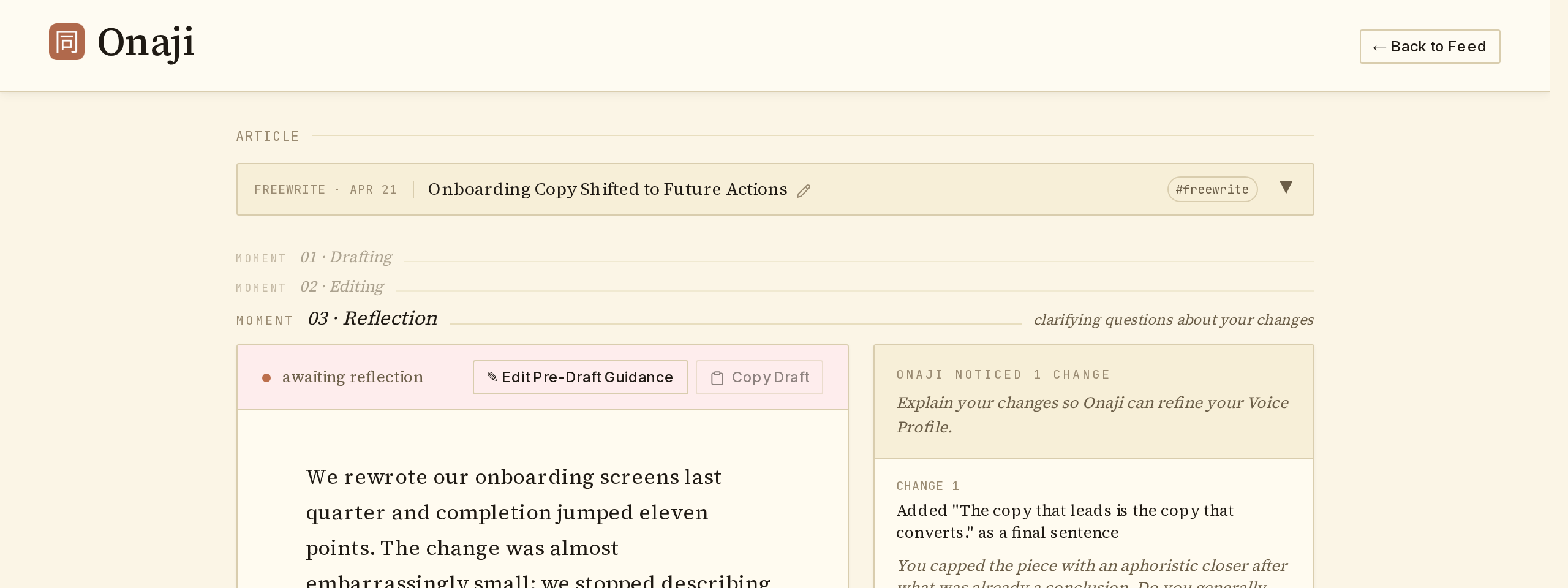
- Open the draft in the editor.
- Click "✎ Edit Pre-Draft Guidance" at the top of the editor.
- Adjust the setup answers — platform, length, audience, angle, or any other field.
- Click "Re-Generate Draft."
- Onaji produces a new draft shaped by the updated guidance. Prior edits to the previous draft don't carry over.