
How do I upload an article to draft about?
Paste a URL or upload a PDF to pull an external article into Onaji as a draft source.
Not every article worth writing about is already in the feed. Uploading brings outside material into Onaji so a draft can respond to it.
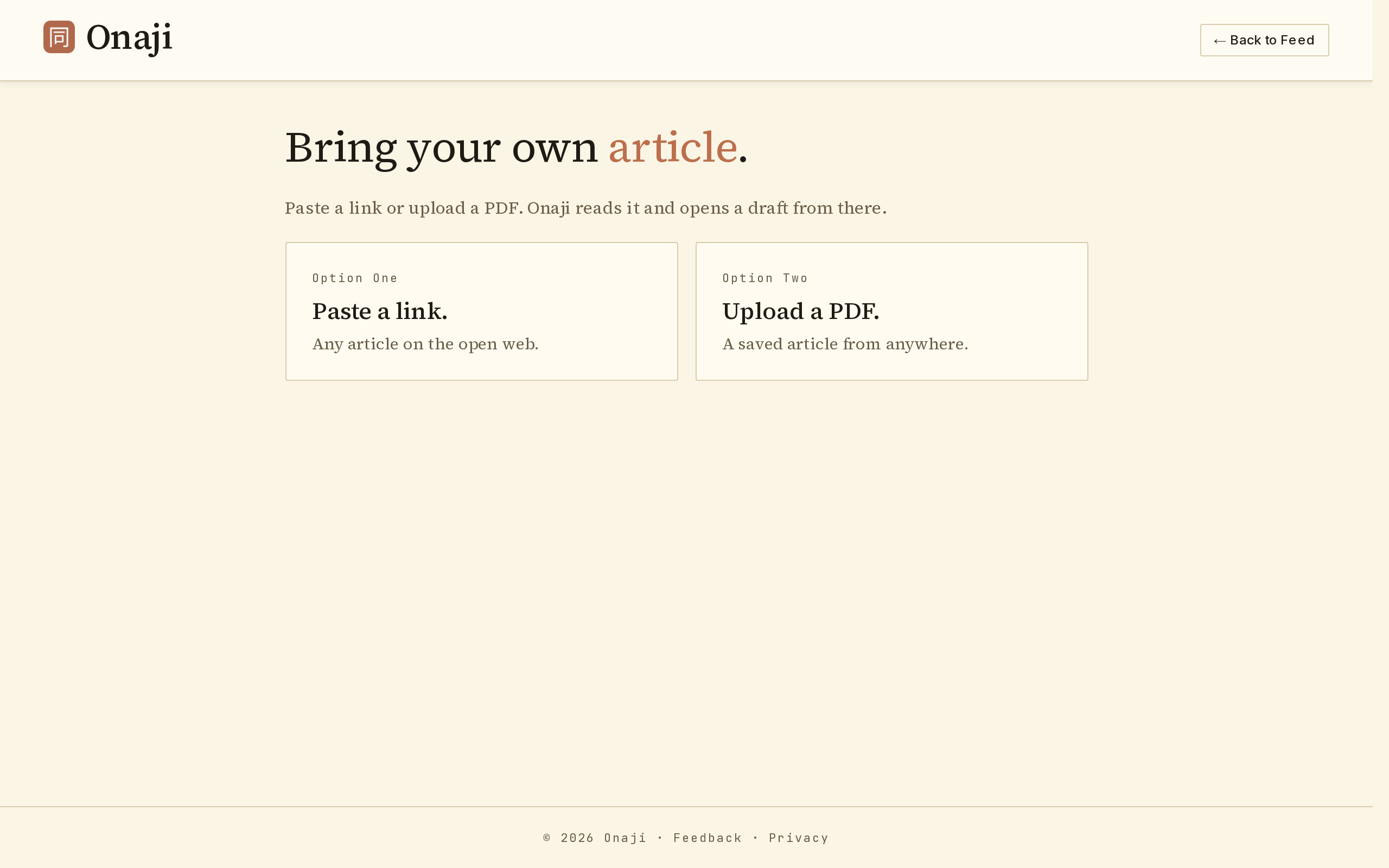
- Open the feed menu, expand "Freewrite," and click "↑ Upload Article."
- Paste a URL, or upload a PDF from the local disk.
- Onaji ingests the source and makes it available as a draft context.
- Proceed through the setup questions as with any other draft.