
How do I start a freewrite from my own topic or uploaded article?
Freewrites let writers draft without picking an article from the feed. Two entry modes: start from an idea, or upload an article to respond to.
Freewrites are for posts that aren't tied to something already in the feed. They share the same Voice Profile and weekly quota as article-based drafts.
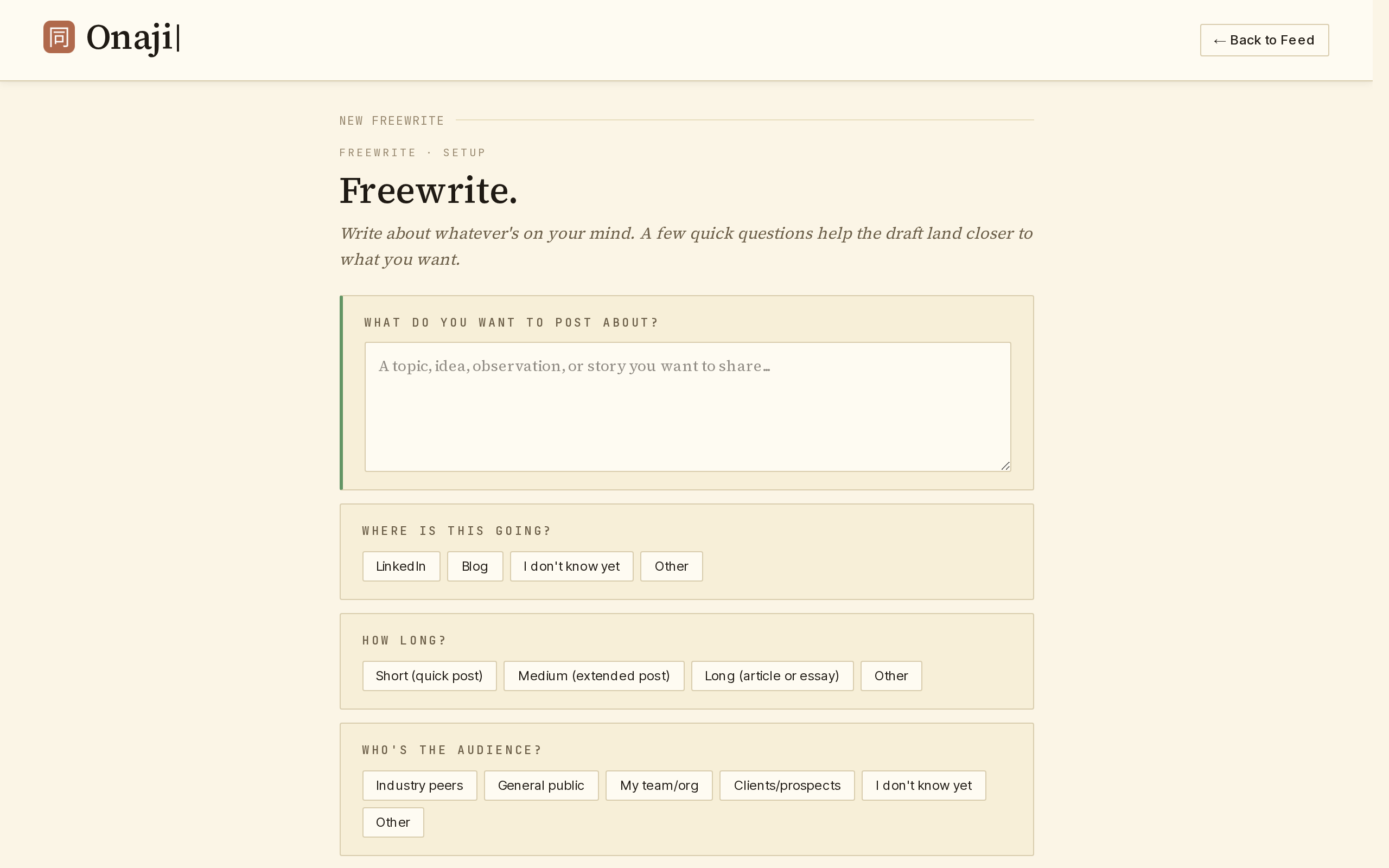
- Start with your idea
- Open the feed menu and expand "Freewrite," then click "✎ Start With Your Idea." Enter the topic, answer optional guidance questions, and generate.
- Upload an article
- Open the feed menu and expand "Freewrite," then click "↑ Upload Article." Paste a URL or upload a PDF. Onaji ingests the source and the draft is written in response to it.