
How do I edit a draft?
Drafts are editable inline. Changes are tracked visually so the writer can see what moved.
Every draft Onaji produces is a starting point, not a finished post. The editor supports inline edits and shows a diff so the writer can see their own revisions clearly.
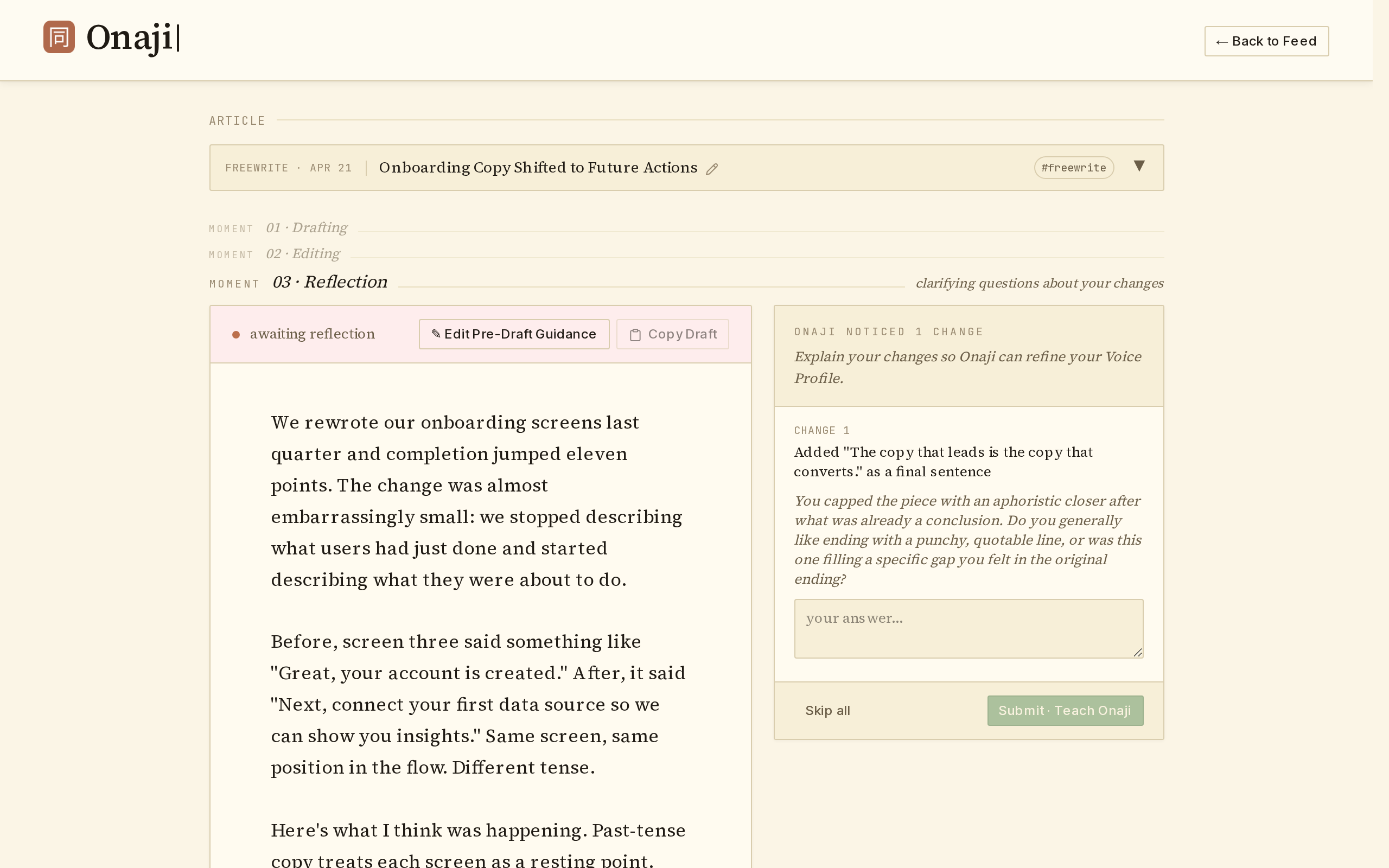
- Open the draft from the feed.
- Click in the editor and start typing. Additions and deletions are highlighted as they happen.
- To hide the edit marks and preview the clean copy, click "Preview / Hide Marks" at the top of the editor. Click "Edit / Show Marks" to bring them back.
- When done editing, click "✓ Save Edits" — Onaji asks a few reflection questions that fold back into the Voice Profile.
Every edit folds back into the Voice Profile. Over time, drafts start matching the writer's instincts more closely.