How do I delete an uploaded article?
Uploaded articles can be removed from the Uploaded Articles view.
Uploads can be cleared out once they've served their purpose.
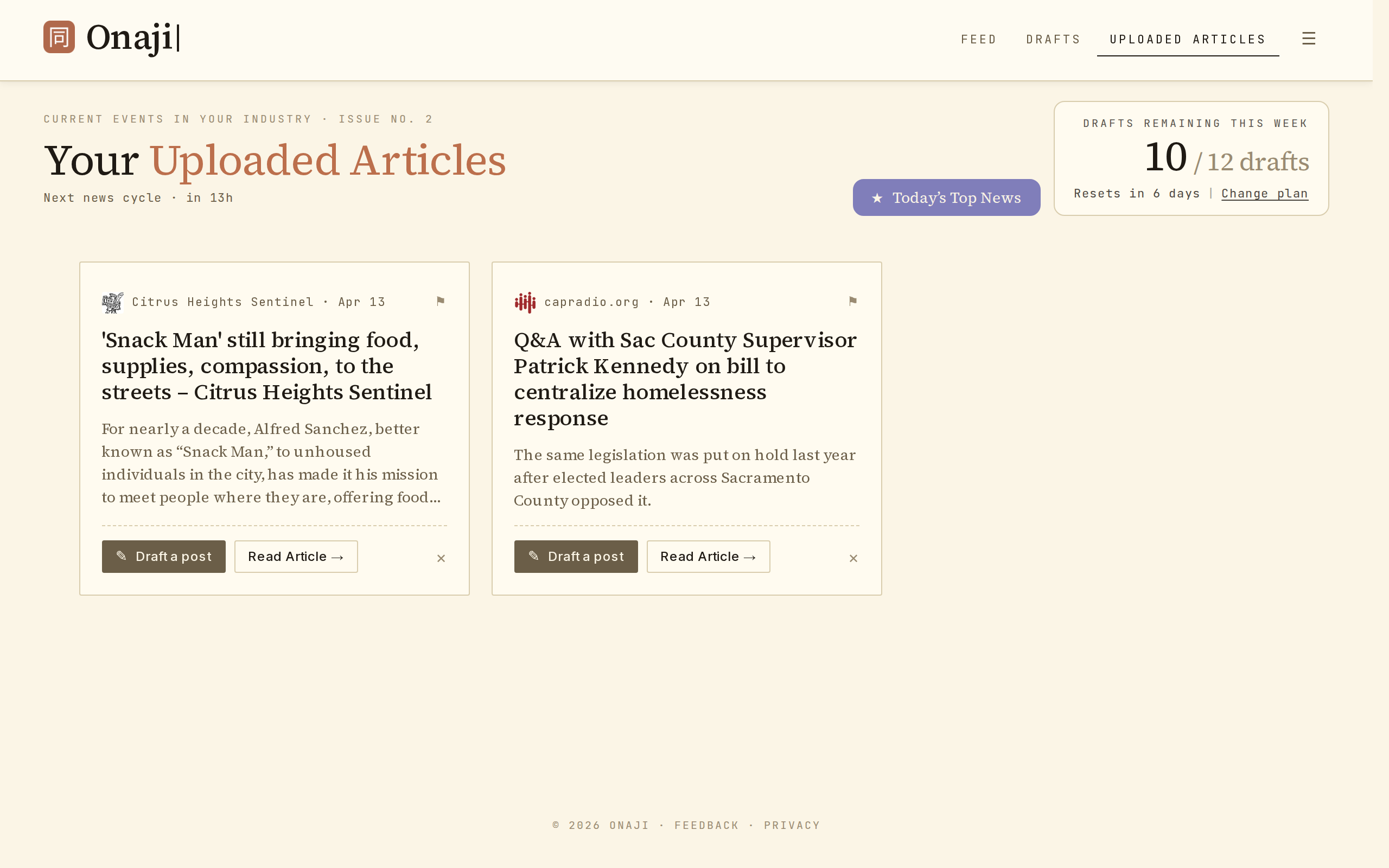
- Open the feed and click "Uploaded Articles" in the filter bar.
- Find the article to remove.
- Click the × icon on its card.
- Click "Yes" to confirm.
Drafts already generated from the uploaded article are preserved.