
How do I rename or delete a writing sample?
Each sample card has controls to rename or remove it from the Voice Profile.
Samples can be renamed for clarity or removed entirely when they no longer reflect the writer's current voice.
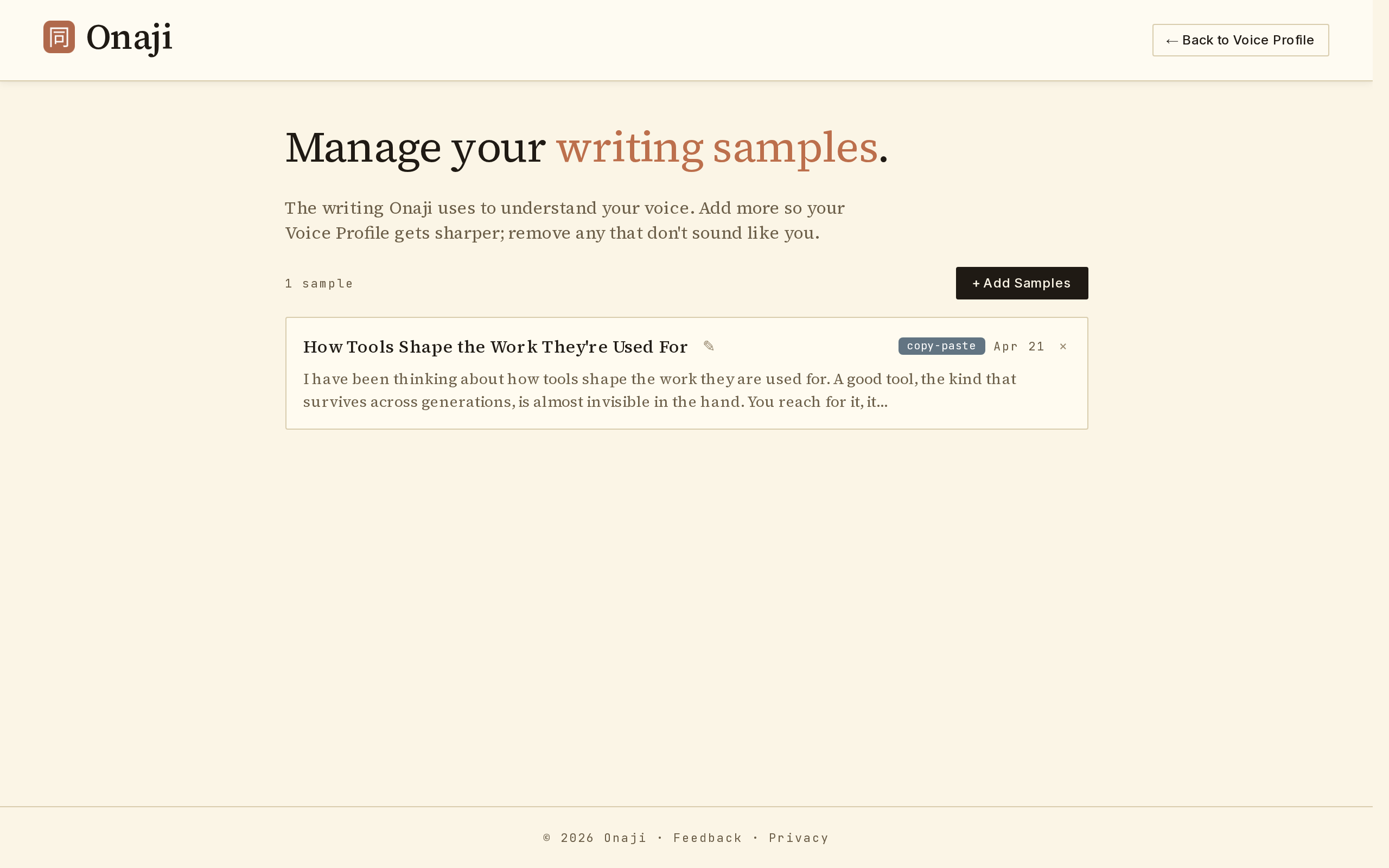
- Go to Settings → Samples.
- To rename: click the edit icon next to the sample name, type the new name, and save.
- To delete: click the × icon on the sample card, then confirm.
- After any deletion, re-analyze the Voice Profile so it reflects the remaining samples.