
What do I do with a draft once it's generated?
Read it in the editor. Edit directly where changes are wanted — Onaji tracks edits visually so the writer can see what moved.
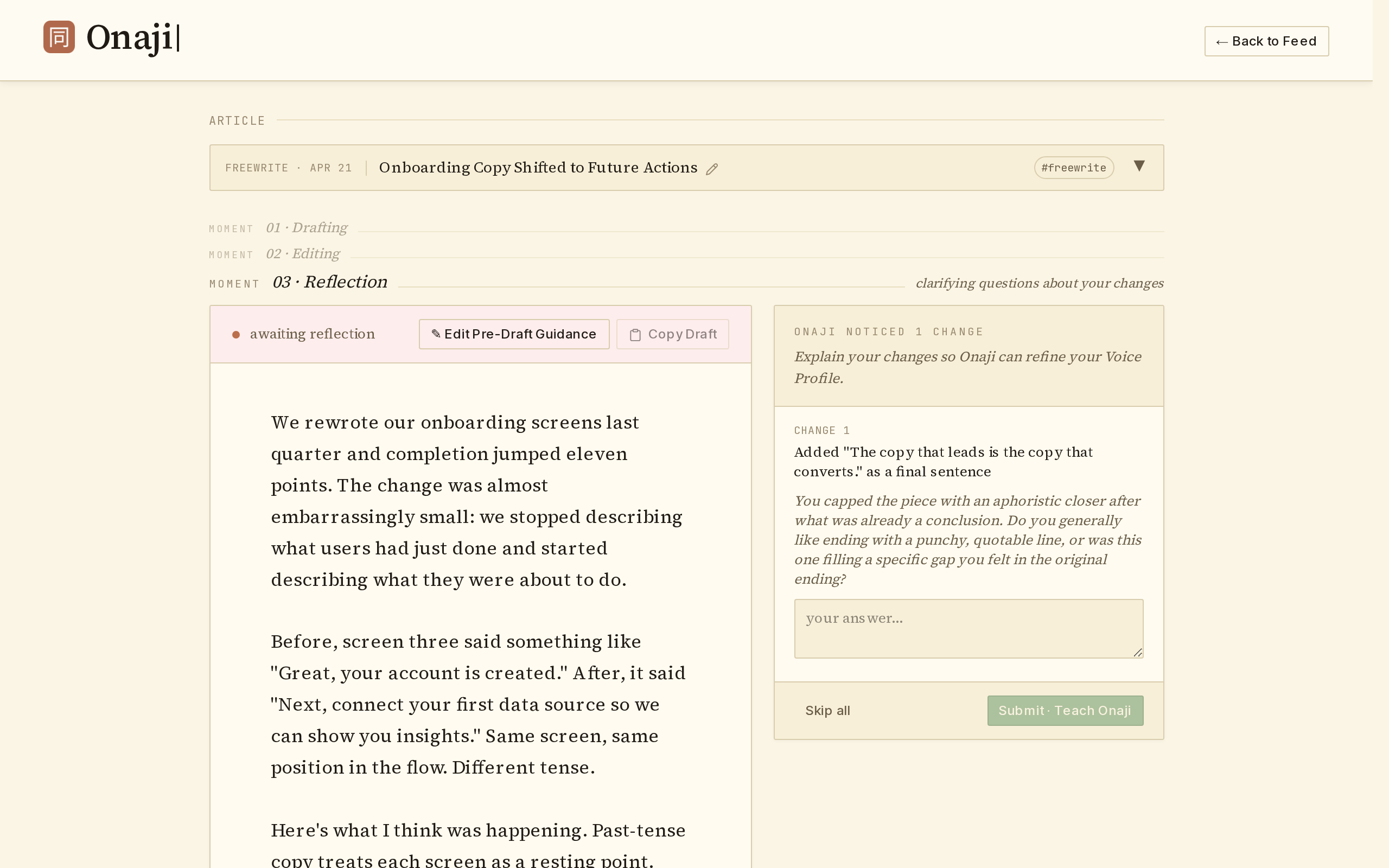
When the draft is ready, click "Copy Draft" to paste it into LinkedIn or wherever it's going. After making edits, click "Save Edits" — Onaji asks a few reflection questions so every change folds back into the Voice Profile.