
How do I re-analyze my Voice Profile after adding samples?
Re-analysis rebuilds the profile from the current set of samples. Takes about thirty seconds.
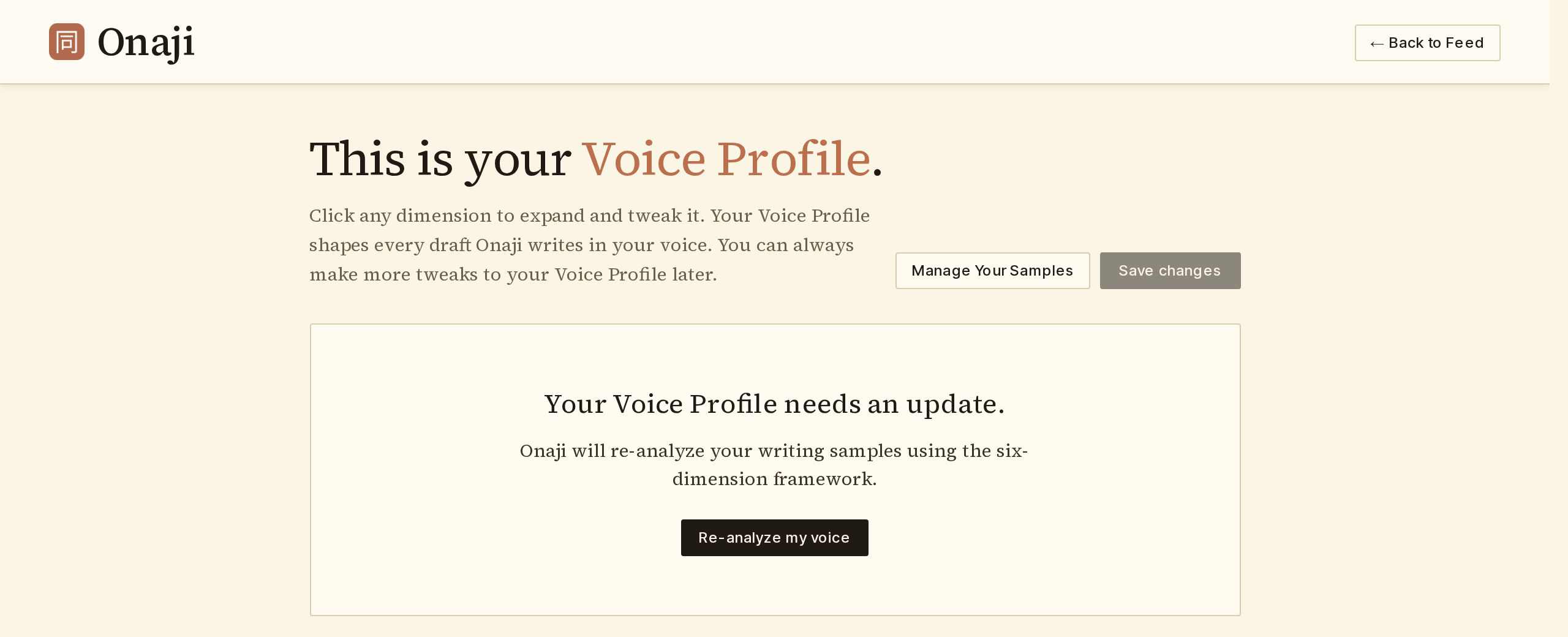
Adding new samples doesn't automatically update the Voice Profile. Re-analysis is a one-click action that folds the new material in.
- Add the new samples under Settings → Samples.
- Open the Voice Profile page.
- Click "Re-analyze my voice."
- Wait about thirty seconds. Onaji extracts fresh dimensions from the combined set of samples.
Custom rules added by hand are preserved through re-analysis. Extracted rules may change.