
How do I filter my news feed by topic?
Use the topic tags along the top of the feed to narrow the feed.
Topic tags appear along the top of the feed. Clicking a tag filters the feed to articles matching that topic. Clicking again clears the filter.
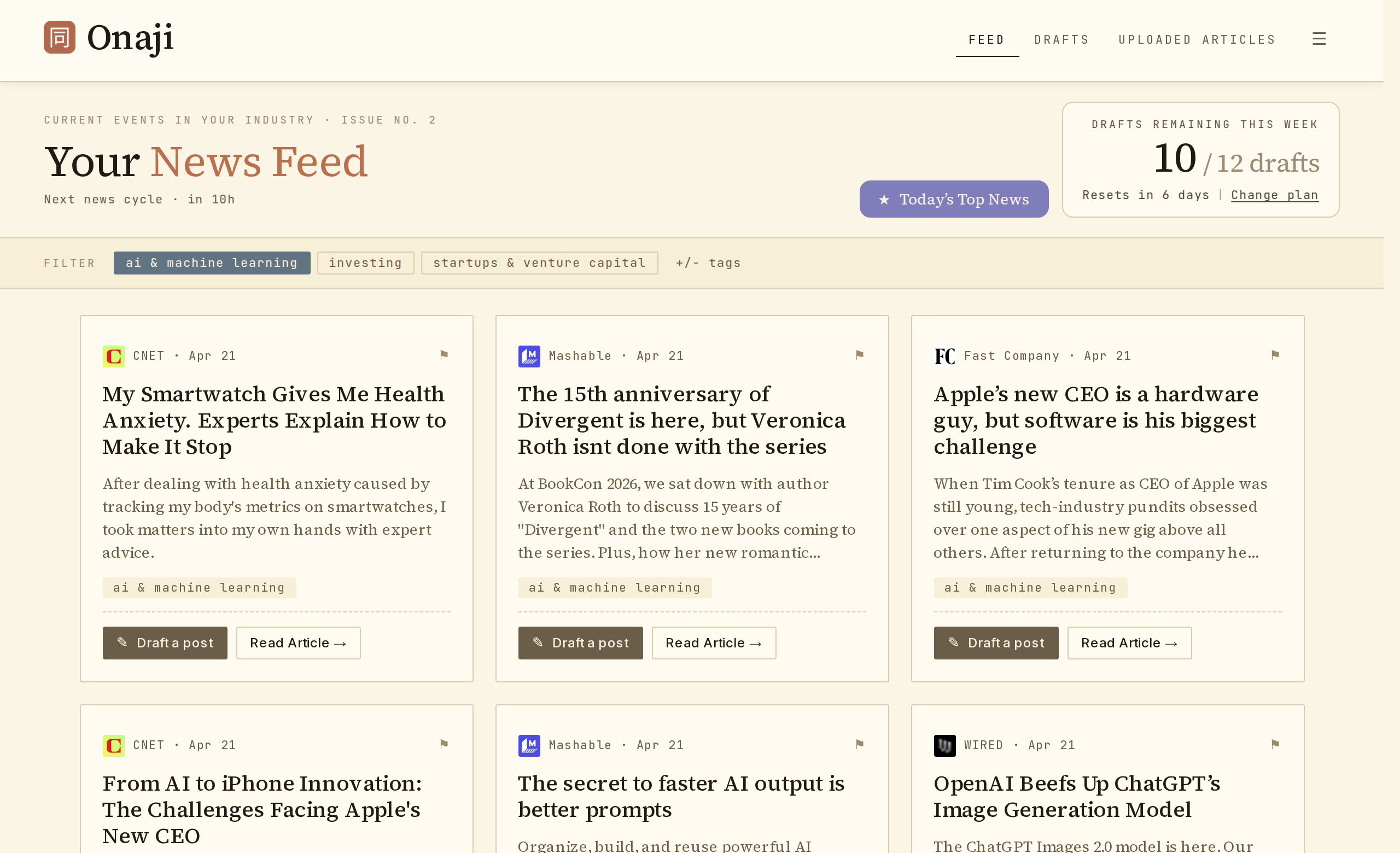
- Open the feed.
- Locate the row of topic tags beneath the header.
- Click the tag matching the topic of interest. The feed updates instantly.
- To return to the full feed, click the selected tag again.